CapCut Pro: Features, Benefits, Pricing, and Complete Video Editing Guide
Creating professional-looking videos no longer requires expensive editing software or advanced technical skills. Whether you are a content creator, social media marketer, YouTuber, or business owner, having the right video editing tool can make a significant difference. CapCut Pro is a popular video editing solution that provides advanced tools, creative effects, and professional editing features to help users produce engaging videos.
From removing backgrounds to applying premium effects and improving video quality, CapCut Pro offers additional capabilities beyond basic editing. But is upgrading to the Pro version worth it? Let’s explore its features, benefits, pricing, and how to get the most out of this video editing software.
What Is CapCut Pro?
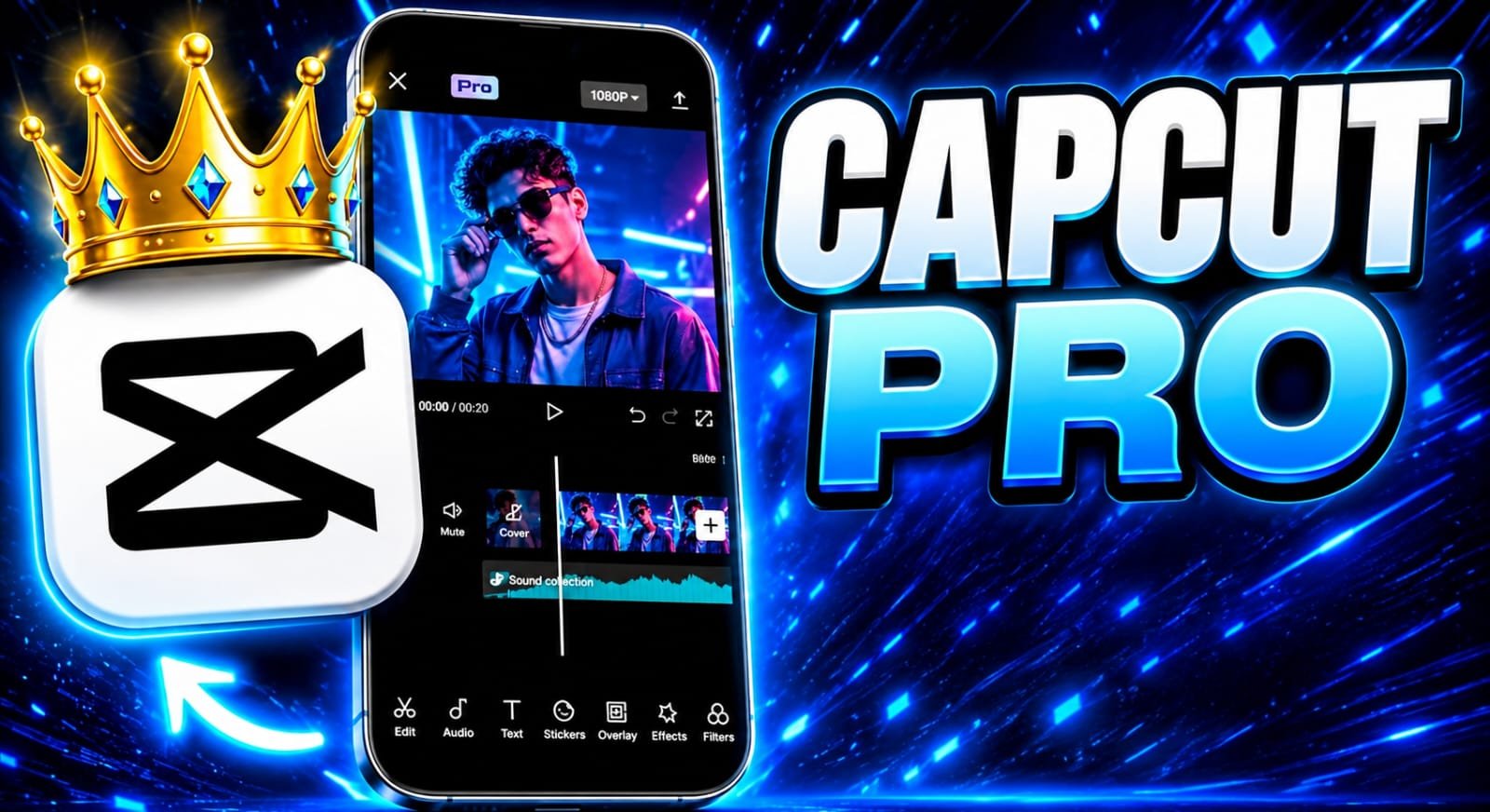
CapCut Pro is the premium subscription version of CapCut, a video editing application developed by ByteDance. It is designed for users who need more advanced editing tools, additional creative resources, and premium features.
While the standard CapCut version offers essential editing options, the Pro subscription provides access to selected premium effects, filters, templates, cloud storage options, and advanced editing capabilities.
CapCut is available across supported mobile devices and desktop platforms, making it convenient for beginners and experienced video editors.
Key Features of CapCut Pro
One reason CapCut Pro attracts content creators is its collection of advanced editing features. Here are some of its most useful capabilities.
1. Advanced Video Editing Tools
CapCut Pro provides advanced editing options that help users create professional videos. You can trim clips, split scenes, adjust video speed, add transitions, and combine multiple video tracks.
These tools are useful for creating YouTube videos, Instagram Reels, TikTok content, promotional videos, and educational tutorials.
2. Premium Effects and Filters
Visual effects can make ordinary videos more attractive. CapCut Pro offers access to additional premium effects, filters, transitions, and creative elements.
Users can experiment with different visual styles to create cinematic videos, aesthetic content, product promotions, and social media advertisements.
3. Background Removal
Background removal is particularly useful for product videos, presentations, and promotional content.
Depending on the available tools and subscription features, users can remove or replace video backgrounds without requiring a physical green screen.
For example, an online business can record a product demonstration and create a cleaner background for marketing purposes.
4. AI-Powered Editing Features
Artificial intelligence is becoming an important part of modern video editing. CapCut includes AI-powered tools that can simplify certain editing tasks.
Depending on the platform, region, and current subscription, available tools may include:
- Automatic captions and subtitle generation.
- Background removal.
- AI-assisted video editing.
- Text-to-speech features.
- Speech enhancement.
- AI-powered visual effects.
These tools can reduce editing time and help creators produce content more efficiently.
5. Professional Audio Editing
Audio quality is just as important as video quality. CapCut provides audio editing features that help users improve their videos with background music, sound effects, voiceovers, and volume adjustments.
Some versions also offer advanced audio enhancement tools that can help improve voice clarity.
6. High-Quality Video Export
CapCut supports different video export resolutions and formats, depending on the device and available features.
Higher-resolution exports can help creators prepare content for platforms that support HD and 4K video. However, export options depend on device capabilities, subscription eligibility, and the specific project settings.
CapCut Pro Pricing and Subscription Plans
One of the most common questions among new users is how much CapCut Pro costs.
CapCut does not have one universal subscription price for every user. Pricing can vary depending on the country, platform, subscription duration, taxes, and promotional offers.
Common subscription options may include:
- Monthly subscription: Suitable for users who need premium editing features for a short period.
- Annual subscription: An option for regular creators who edit videos throughout the year.
- Free version: Provides essential editing tools without requiring a Pro subscription.
Before purchasing, check the latest subscription price directly inside the official CapCut application or website. Also review the renewal terms, included features, and cancellation policy.
CapCut Free vs. CapCut Pro
Understanding the difference between the free and premium versions can help you decide which option is right for your editing needs.
| Feature | CapCut Free | CapCut Pro |
|---|---|---|
| Basic video editing | Yes | Yes |
| Video transitions | Available selection | Additional options |
| Premium effects | Limited | Expanded access |
| Advanced tools | Limited | More options |
| AI features | Selected tools | Additional eligible tools |
| Export quality | Supported options | Additional eligible options |
| Premium templates | Limited | Expanded access |
Feature availability can change with application updates, device compatibility, and regional restrictions.
How to Get Started With CapCut Pro
Getting started is relatively simple, even if you have never edited a video before.
Step 1: Download CapCut
Visit the official CapCut website or your device’s authorized application store. Download the version compatible with your smartphone or computer.
Step 2: Create an Account
Open the application and sign in using an available supported login method.
Step 3: Start a New Project
Select your video clips or images and import them into the editing timeline.
Step 4: Edit Your Video
Add transitions, text, music, effects, captions, and other elements to improve your content.
Step 5: Explore Pro Features
If you need premium tools, review the available subscription options and choose a suitable plan.
Step 6: Export and Share
Select your preferred resolution and export settings. Once processing is complete, you can share your video on supported social media platforms.
Is CapCut Pro Worth It?
CapCut Pro can be a worthwhile investment for people who regularly create videos and need access to additional editing resources.
For example, YouTubers can use advanced editing tools to improve their video presentation, while digital marketers can create promotional content for products and services.
Small businesses may also benefit from professional-looking product videos without investing in expensive desktop editing software.
However, casual users who only trim videos, add music, or create simple social media clips may find the free version sufficient.
The best choice depends on your editing frequency, budget, and the specific premium features you need.
Tips for Creating Better Videos With CapCut Pro
If you want to improve your editing results, consider these practical tips:
- Start with high-quality footage: Good lighting and stable recording make editing easier.
- Avoid excessive effects: Use transitions and filters only when they improve the video.
- Add accurate captions: Subtitles make videos easier to understand, especially when viewers watch without sound.
- Choose suitable music: Background audio should complement the video’s message.
- Optimize export settings: Select an appropriate resolution and frame rate for your target platform.
- Keep videos engaging: Use clear introductions, smooth transitions, and concise storytelling.
Final Thoughts
CapCut Pro is a powerful video editing solution for content creators, marketers, businesses, and social media enthusiasts who want more creative control over their videos. Its premium effects, advanced editing tools, AI-assisted features, and additional resources can make video production more convenient and efficient.
Although the free version is suitable for basic editing, the Pro subscription may offer better value for users who frequently create professional content. Before upgrading, compare the available features and subscription prices to determine whether they match your needs.
Download
Ultimately, the best video editing software is the one that helps you communicate your ideas effectively and produce high-quality content consistently.