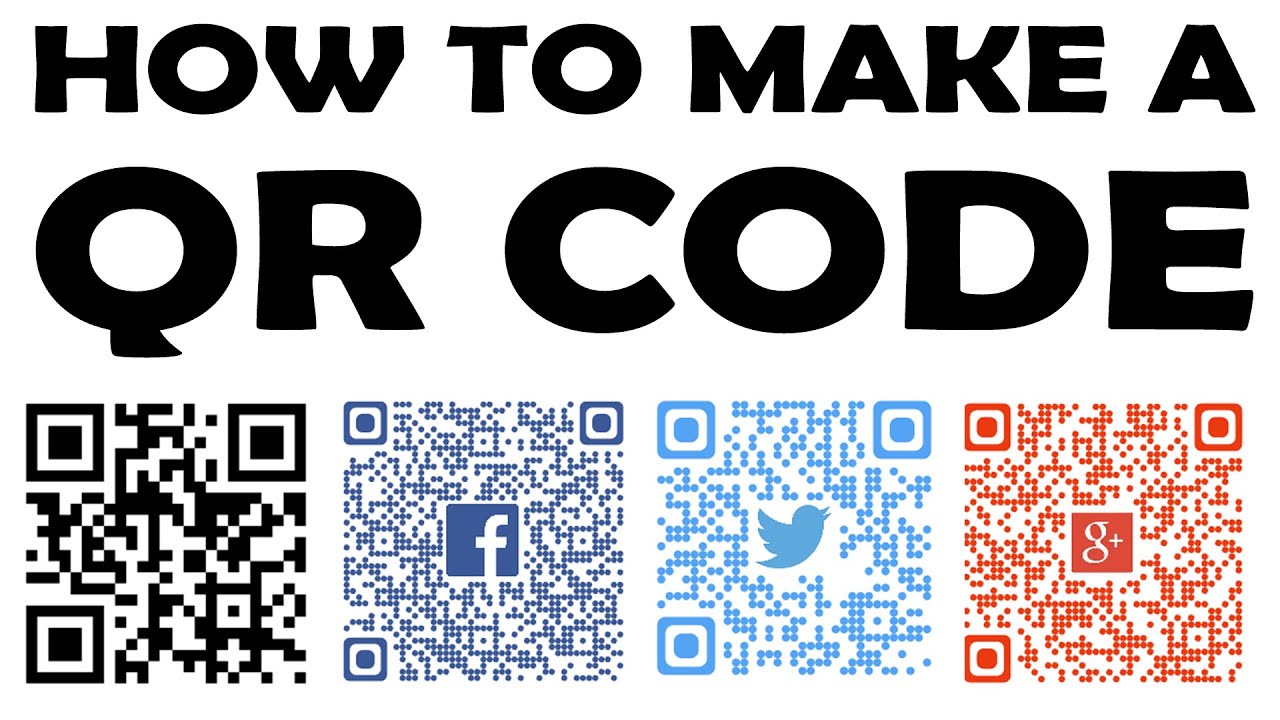
Creating a QR code for your business is one of the simplest and most cost-effective ways to bridge offline and online experiences in 2026. Whether you want to drive traffic to your website, share contact details, display a digital menu, or promote special offers, a well-designed QR code can increase engagement, reduce friction, and provide measurable results — all for free.
QR codes remain highly relevant for small businesses, restaurants, retail stores, events, and service providers. Customers can scan them instantly with their smartphone cameras (no app required on modern devices).
Here’s a complete guide to creating professional QR codes for your business, completely free.
Why Use QR Codes for Your Business in 2026?
- Instant access — Link to websites, landing pages, menus, forms, or social profiles without typing long URLs.
- Contactless experiences — Ideal for menus, payments, reviews, or event check-ins.
- Branding opportunity — Add your logo, brand colors, and custom shapes to make the code recognizable and trustworthy.
- Trackable insights (with dynamic codes) — See scan locations, devices, and times to measure campaign ROI.
- Versatile applications — Business cards, flyers, packaging, store windows, signage, and more.
Static vs. Dynamic QR Codes
- Static: Free, permanent link embedded directly. Best for unchanging content (e.g., your main website). Cannot be edited later.
- Dynamic: Link can be changed anytime without reprinting. Usually offers scan analytics. Many tools provide limited free dynamic codes.
Best Free QR Code Generators for Businesses in 2026
These popular no-cost or freemium tools offer excellent customization without watermarks on static codes:
- QRCode Monkey — Top choice for unlimited static codes with logo upload, color customization, eye shapes, and vector downloads (SVG, PDF).
- Canva QR Code Generator — Seamless integration with designs; great for branded marketing materials, flyers, and social media graphics.
- Adobe Express — Quick and clean interface with style customization; perfect for beginners.
- Jotform QR Code Generator — Strong for forms, surveys, and business needs with personalization options.
- QR Planet, GoQR, or MakeBranded — Good alternatives for logo and color options without signup.
For limited dynamic needs, some tools like The QR Code Generator (TQRCG) or QR Tiger offer a few free dynamic codes with basic tracking.
Step-by-Step: How to Create a QR Code for Free
- Choose Your QR Code Type Common business options include:
- URL — Direct to your website, landing page, or promotion.
- vCard / Business Card — Share contact info (name, phone, email, website) that saves directly to phones.
- PDF / Menu — Link to digital menus, brochures, or price lists.
- Wi-Fi — Share guest network credentials easily.
- Social Media / Multi-URL — Point to Instagram, LinkedIn, or a link-in-bio page.
- Form or Survey — Collect feedback or leads.
- Google Maps — Drive foot traffic to your location.
- Select a Free Tool and Generate
- Go to a recommended site (e.g., qrcode-monkey.com or canva.com/qr-code-generator).
- Pick the content type and enter your data (URL, contact details, etc.).
- Click Generate — the QR code appears instantly.
- Customize for Your Brand (Highly Recommended)
- Change foreground/background colors to match your logo.
- Upload your business logo or icon (center placement works best).
- Adjust eye shapes, patterns, or add frames for a unique look.
- Ensure high contrast (dark code on light background scans most reliably).
- Add a short call-to-action (CTA) like “Scan for Menu” or “Visit Our Site”.
- Download in High Quality
- Choose PNG for web/digital use.
- Use SVG or PDF for print materials (scalable without losing quality).
- Test the code with multiple phones before finalizing.
- Implement and Track (If Using Dynamic)
- Print or embed the code with a clear CTA nearby.
- For dynamic codes, use the tool’s dashboard to monitor scans and update destinations.
Quick Example: Creating a Business Menu QR Code
- Select “URL” or “PDF” type.
- Paste the link to your digital menu (Google Drive, website page, or Canva design).
- Customize with restaurant colors and logo.
- Download SVG for printing on table tents.
- Add text: “Scan to View Menu”.
Best Practices for Business QR Codes
- Size matters — Minimum 2×2 cm (about 0.8 inches) for print; larger for distant viewing.
- Quiet zone — Leave white space (at least 4 modules wide) around the code.
- Test thoroughly — Scan from different distances, angles, and devices.
- Mobile-friendly destination — Ensure the linked page loads fast on smartphones.
- Place strategically — High-visibility spots with good lighting; pair with explanatory text.
- High contrast & error correction — Most tools use medium-high error correction by default for durability.
- Update when needed — Prefer dynamic codes for seasonal promotions or changing offers.
- Security — Only link to trusted pages; avoid sensitive data in static vCards.
Comparison of Popular Free Tools (2026)
| Tool | Unlimited Static | Logo + Colors | Vector Download | Dynamic (Free Limit) | Best For |
|---|---|---|---|---|---|
| QRCode Monkey | Yes | Excellent | Yes (SVG/PDF) | No | Branded static codes |
| Canva | Yes | Good | PNG | No | Design-integrated materials |
| Adobe Express | Yes | Good | PNG/SVG | No | Quick & clean business use |
| Jotform | Yes | Good | Yes | Limited | Forms & surveys |
| QR Planet | Yes | Good | Yes | No | Simple professional codes |
Final Tips for Success
- Start with static codes for permanent info and upgrade to dynamic as your needs grow.
- Combine with strong CTAs — “Scan for 20% Off” performs better than a plain code.
- Monitor performance where possible and A/B test different designs or destinations.
- Keep codes simple yet branded — overly complex designs can reduce scan success rates.
- For bulk needs (e.g., many products), look for tools supporting batch generation.
Creating a free QR code takes under a minute, but the impact on customer engagement and convenience can last years. Pick one of the recommended tools, customize it to reflect your brand, test it, and start using it on business cards, packaging, signage, or marketing materials today.