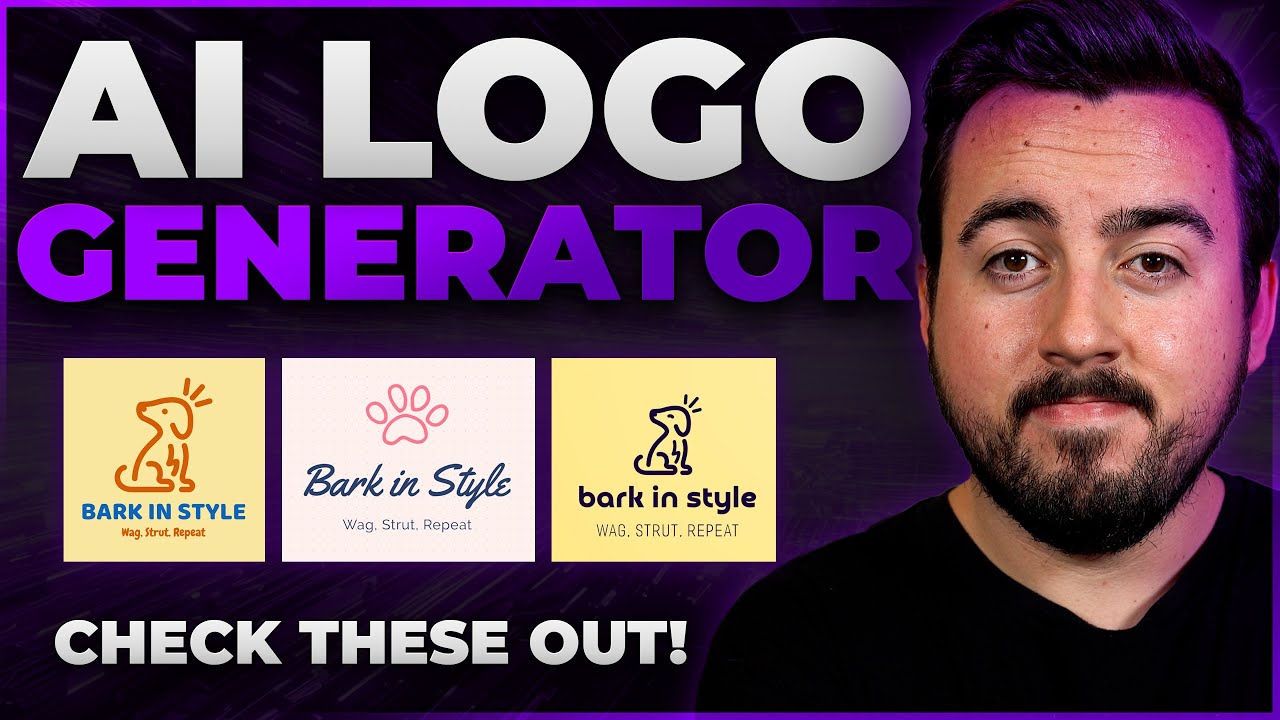
Creating a professional logo no longer requires hiring a designer or spending hundreds of dollars. In March 2026, free AI logo maker tools have advanced significantly, using generative AI to turn simple text prompts, business names, or keywords into custom, high-quality designs in seconds. These tools are ideal for startups, freelancers, small businesses, side hustles, or anyone testing brand ideas without commitment.
Many offer truly free generation and basic downloads (often PNG/JPG), while premium upgrades unlock vector files (SVG/EPS), high-res versions, transparent backgrounds, full branding kits, or unlimited edits. Watermarks are rare on free tiers from reputable tools, but always check export options.
Here are some of the best free AI logo maker tools online right now, based on recent reviews, user feedback, and testing from sources like TechRadar, WebsitePlanet, and design blogs.
1. Canva AI Logo Generator (Dream Lab)
Canva’s integrated AI tool (powered by Dream Lab) lets you describe your logo idea in a prompt (e.g., “minimalist coffee shop logo with mountain and steam, green and brown tones”) and generates options instantly. Edit with Canva’s vast library of fonts, icons, and colors.
Best for: Beginners, versatile design needs, social media integration. Free tier: Up to 20 AI prompts/month on free account; basic exports free (some premium elements gated). Pros: Extremely user-friendly, no design skills needed, seamless transition to full branding/graphics. Cons: Advanced vectors/transparent exports often require Canva Pro (~$15/month). Link: canva.com/ai-logo-generator
2. Logo.com AI Logo Maker
One of the highest-rated free AI generators, Logo.com uses AI to create unlimited designs from your business name, industry, and style preferences. It stands out for high-quality, modern outputs and full customization.
Best for: Small businesses wanting professional results fast. Free tier: Generate and customize unlimited; free high-quality downloads available (no watermarks reported). Pros: Millions of elements, business card/social kits included, highly rated on Trustpilot. Cons: Some advanced branding files may prompt upgrades. Link: logo.com
3. Design.com AI Logo Generator
Frequently called the best overall free option in 2026 reviews, with the world’s largest template library (360,000+ designs) plus strong AI generation from keywords or names. Quick, exclusive designs.
Best for: Entrepreneurs/small brands needing variety and no-watermark free downloads. Free tier: Full free logos in standard formats (PNG, JPG, SVG options); no card required. Pros: Massive selection, intuitive editor, free website/digital card tools. Cons: Can feel overwhelming with options. Link: design.com
4. Adobe Express AI Logo Generator
Adobe’s free tool generates logos from text descriptions, with style choices and easy customization using their stock assets.
Best for: Users familiar with Adobe ecosystem or wanting clean, modern looks. Free tier: Generate and download with generative credits (limits on free plan). Pros: High-quality outputs, professional feel, integrates with other Express tools. Cons: Credit limits; premium for unlimited. Link: adobe.com/express/create/ai/logo
5. Hatchful by Shopify (Free Logo Maker)
Shopify’s longtime free tool (formerly Hatchful) uses AI/templates tailored to industries. Input name, industry, preferences for instant packs including social assets.
Best for: E-commerce sellers or quick Shopify store setups. Free tier: Completely free downloads (high-res PNG, social sizes). Pros: 100% free, simple, includes brand assets. Cons: More template-heavy; designs can look similar to other stores. Link: hatchful.shopify.com
6. Looka AI Logo Generator
Looka generates polished logos + full brand kits (colors, fonts, mockups) from your inputs. Free to generate and preview.
Best for: Businesses wanting complete branding packages. Free tier: Free generation/previews; pay only to download files. Pros: Excellent customization, professional quality. Cons: Downloads require one-time fee (~$20+). Link: looka.com
Other Notable Mentions
- Logomakerr.ai or Logomaster.ai: Instant free generation, pay only if satisfied (great for testing).
- Adobe Express alternatives like free prompt-based tools (e.g., some niche ones offer no-signup, no-watermark PNGs, but quality varies).
Quick Comparison Table
| Tool | Truly Free Downloads? | AI Prompt Support | Vector Files Free? | Best For | Limits/Notes |
|---|---|---|---|---|---|
| Canva AI | Yes (basic) | Strong | No (Pro) | All-around design | 20 prompts/month free |
| Logo.com | Yes | Yes | Sometimes | Professional quick logos | Unlimited generation |
| Design.com | Yes (no watermark) | Yes | Yes (basic) | Variety & small biz | Huge library |
| Adobe Express | Yes (credits) | Strong | Limited | Clean/modern | Credit-based |
| Hatchful | Yes (100%) | Template/AI | No | E-commerce | Industry-focused |
| Looka | Previews only | Yes | Paid | Full branding | Pay to download |
Tips for Using Free AI Logo Makers
- Start simple: Use clear prompts like “sleek tech logo, blue circuit pattern, sans-serif font.”
- Customize heavily: Always tweak colors/fonts/icons for uniqueness and trademark safety.
- Check commercial rights: Most free tools allow personal/commercial use, but read terms (especially for generated AI art).
- Download vectors: For print/business cards, prioritize tools offering free SVG/EPS.
- Test on mockups: See how it looks on websites, apparel, etc.
- No perfect free tool: For ultra-professional needs, consider these as starting points before hiring a designer.
These tools make logo creation accessible and fast in 2026—no design degree required. Start with Canva or Design.com for the easiest entry, or Logo.com for strong free results. Happy branding!