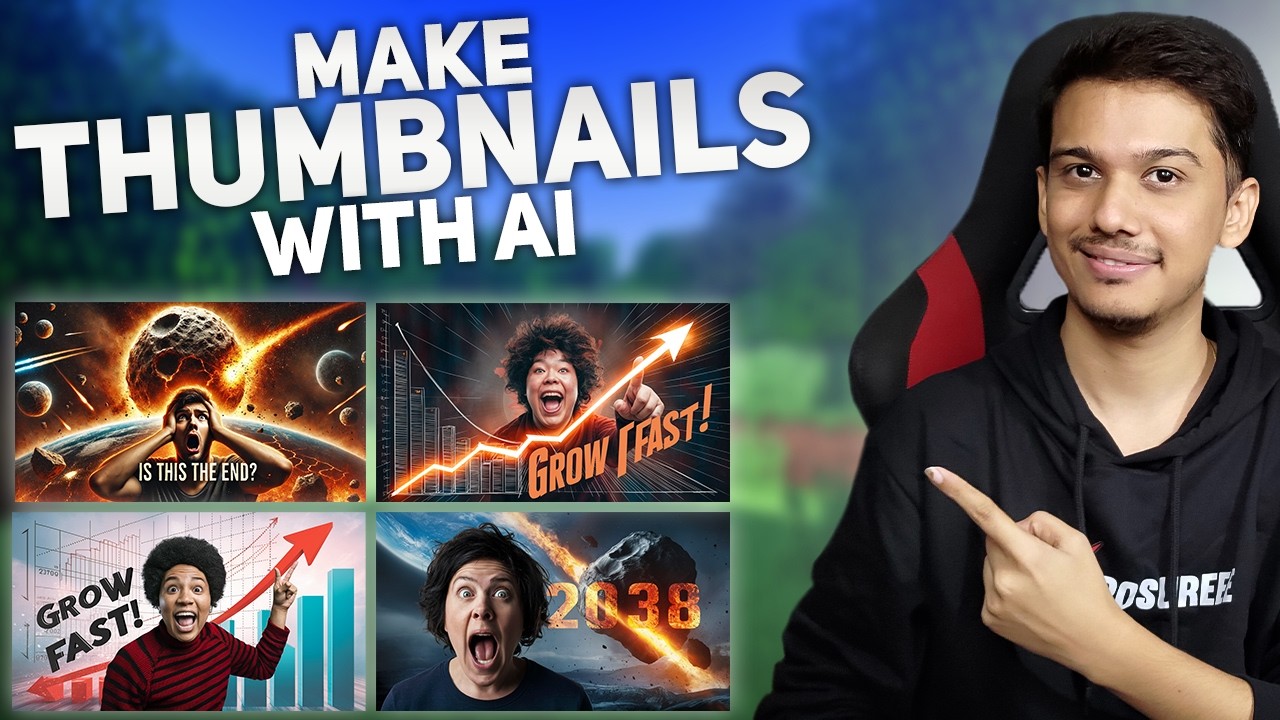
In 2026, creating eye-catching YouTube thumbnails (or thumbnails for TikTok, Instagram Reels, and other video platforms) has never been easier thanks to AI thumbnail generators. These tools use advanced text-to-image models, video analysis, and optimization algorithms to produce click-worthy designs in seconds—often boosting CTR by 20-50% according to creator reports and tests. They handle bold text overlays, expressive faces, vibrant colors, and viral styles without needing Photoshop skills.
Whether you’re a full-time YouTuber, short-form creator, or just starting out, the best options balance speed, quality, customization, cost, and YouTube-specific smarts (like face detection, contrast optimization, and text readability at small sizes).
Here are the top AI thumbnail generators standing out in March 2026, based on recent reviews, creator workflows, and performance data from sources like PCMag, CNET, creator blogs, and YouTube tests.
1. Canva Magic Studio (Best All-Around & Most Accessible)
Canva’s AI thumbnail maker remains a favorite for its seamless integration of Magic Media (text-to-image), Dream Lab (reference-based generation), and massive template library. Generate from prompts, upload video screenshots for auto-enhancements, or remix styles. Free tier is generous, with pro features for batch exports and brand kits.
Best for: Beginners to pros who want quick, professional results with easy editing. Key strengths: Excellent text rendering, huge free assets, mobile app. Pricing: Free; Pro ~$15/month. Pros: No learning curve, great for non-designers. Cons: Less “uncensored” than dedicated generators.
2. Pikzels (Best Dedicated YouTube-Focused AI Thumbnail Tool)
Pikzels specializes in viral YouTube thumbnails with upgrades like Pikzels 3.2 in late 2025. It excels at generating faces with consistent expressions, bold text overlays, and high-CTR layouts from simple prompts or video links. Creators praise it for saving hours while mimicking top channels.
Best for: Serious YouTubers chasing views and consistency. Key strengths: YouTube-optimized styles, face swaps, batch generation. Pricing: Credit-based (often free trials/credits). Pros: Tailored for click-through, fast iterations. Cons: Focused mainly on thumbnails, not full editing.
3. Adobe Express / Firefly (Best Premium Quality & Integration)
Powered by Adobe Firefly, this tool delivers high-fidelity, photorealistic thumbnails with strong prompt adherence. Great for custom styles, upscaling, and seamless export to Premiere or other Adobe apps. Built-in YouTube thumbnail templates speed things up.
Best for: Creators in creative ecosystems or needing pro-grade visuals. Key strengths: Superior image quality, generative fill, safe commercial use. Pricing: Free tier; Premium ~$10/month. Pros: Stunning results, text accuracy. Cons: Slightly steeper curve than Canva.
4. CapCut AI Design Tool (Best Free / All-in-One Workflow)
ByteDance’s CapCut offers a powerful AI thumbnail generator tied to its video editor. Upload clips for auto-suggestions, or prompt for viral designs with optimized contrast/text placement. Free and mobile-friendly—ideal for short-form creators.
Best for: TikTok/Reels/YouTube Shorts users editing in one app. Key strengths: Video-to-thumbnail analysis, free high-res exports. Pricing: Mostly free; pro upgrades optional. Pros: Fast, integrated editing. Cons: Less flexible for pure image gen.
5. Thumbmachine or Thumbmagic (Best for Video Analysis & Automation)
These niche tools analyze your video content (or URL) to auto-generate thumbnails with relevant faces, emotions, and hooks. Thumbmagic, in particular, is highlighted for high-CTR drafts in seconds.
Best for: High-volume uploaders wanting hands-off creation. Key strengths: Smart video understanding, quick viral suggestions. Pricing: Varies; often freemium. Pros: Saves research time. Cons: Output can need tweaks.
Other Strong Contenders
- StreamYard — Built-in AI thumbnails during live/stream scheduling (great for live creators).
- Meta AI — Free, quick, and surprisingly good for simple/custom ideas via chat.
- Juma (formerly Team-GPT) — Prompt refinement for branded consistency and team collab.
- LoveArt.ai or similar uncensored options — For unrestricted creative freedom (watch guidelines).
- General AI image gens like Google Gemini / Nano Banana Pro, Midjourney, or Flux — Excellent base images, then edit in Canva/Photoshop for thumbnails.
Quick Comparison Table
| Tool | Best For | Free Tier? | YouTube Optimization | Text Quality | Price Range |
|---|---|---|---|---|---|
| Canva Magic Studio | All-around ease | Yes | Strong | Excellent | Free–$15/mo |
| Pikzels | Viral YouTube focus | Trial | Top-tier | Very good | Credit-based |
| Adobe Express | Premium visuals | Yes | Good | Outstanding | Free–$10/mo |
| CapCut AI | Video workflow | Yes | Excellent | Good | Free |
| Thumbmachine | Auto from video | Freemium | Strong | Good | Varies |
Final Tips for 2026
- Start simple: Use descriptive prompts like “shocked face reaction thumbnail, bold red text ‘I CAN’T BELIEVE THIS Happened!’, dramatic lighting, YouTube style.”
- Test CTR: Tools like vidIQ or TubeBuddy help A/B test thumbnails.
- Consistency wins: Build brand kits (colors, fonts, face styles) for recognizable channels.
- Combine tools: Generate base in Midjourney/Gemini → refine in Canva/Pikzels.
- Stay updated: AI evolves fast—check for new models like Flux updates or Firefly improvements.
The “best” depends on your needs: Canva for most people, Pikzels for hardcore growth, CapCut for mobile/short-form. Experiment with free tiers to find your workflow—great thumbnails are now a few prompts away from boosting your views dramatically. Happy creating!