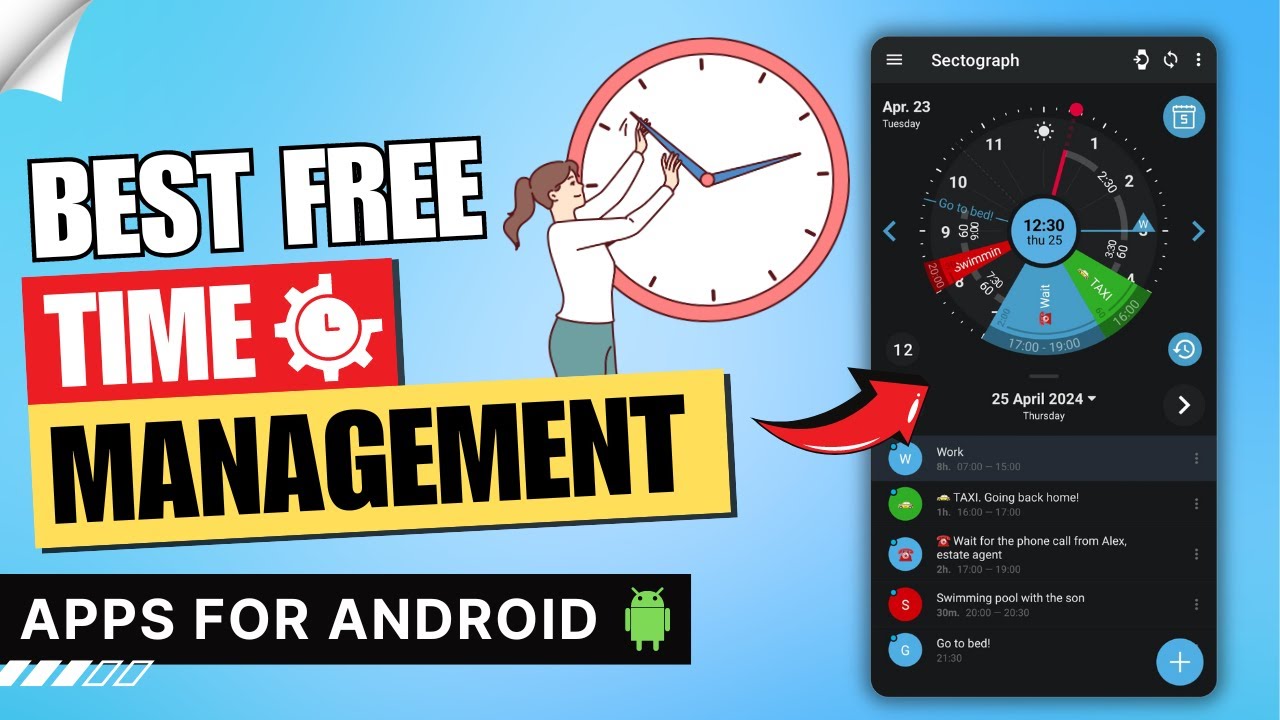
In today’s fast-paced world, effective time management and productivity are essential for balancing work, personal goals, and well-being. Mobile apps have evolved significantly by 2026, incorporating AI assistance, seamless cross-device sync, focus timers, and intelligent task prioritization to help users reclaim their time.
Here are some of the best mobile apps for time management and productivity in 2026. These selections draw from recent reviews, expert tests, and user adoption trends across iOS and Android platforms. They cover task management, time tracking, focus enhancement, and integrated planning.
1. Todoist – Best Overall for Task Management
Todoist remains a top choice for its clean interface, powerful features, and flexibility. It excels at turning ideas into actionable tasks with priorities, labels, projects, recurring due dates, and natural language input (e.g., “buy groceries every Friday at 5pm”).
- Key strengths — Karma system for motivation, collaboration tools, and integrations with calendars.
- Standout in 2026 — Enhanced AI suggestions for task breakdown and scheduling.
- Platforms — iOS, Android, web, and desktop.
- Pricing — Generous free tier; premium starts around $5/month for advanced reminders and filters. It’s frequently ranked as the best to-do list app by sources like Wirecutter and PCMag.
2. TickTick – Best for Reminders and Built-in Focus Tools
TickTick combines task lists with a built-in Pomodoro timer, habit tracker, and calendar view, making it ideal for users who want an all-in-one solution without switching apps.
- Key strengths — Eisenhower Matrix for prioritization, customizable widgets, and smart lists.
- Standout in 2026 — Improved Pomodoro integration and AI-powered task parsing.
- Platforms — iOS and Android (excellent mobile experience).
- Pricing — Free with solid features; premium unlocks advanced calendar sync and themes. Often compared favorably to Todoist, it’s praised for reminders and focus features in 2026 roundups.
3. Toggl Track – Best for Time Tracking and Awareness
If you want to understand where your time actually goes, Toggl Track offers simple one-tap timers, detailed reports, and idle detection.
- Key strengths — Visual timelines, project breakdowns, and team sharing (great for freelancers).
- Standout in 2026 — AI insights into productivity patterns and better mobile widgets.
- Platforms — Strong iOS and Android apps.
- Pricing — Free for basics; paid plans for advanced reporting. It’s highlighted as a top time awareness tool in multiple 2026 lists.
4. Forest – Best for Focus and Avoiding Distractions
Forest gamifies focus sessions by letting you plant virtual trees that grow during uninterrupted work—but die if you leave the app.
- Key strengths — Pomodoro-style sessions with real-tree planting rewards (via partnerships).
- Standout in 2026 — Deeper integration with device focus modes and community challenges.
- Platforms — iOS and Android.
- Pricing — One-time purchase or free with in-app options. Perfect for building better phone habits and combating procrastination.
5. Clockify – Best Free Time Tracker with Robust Features
Clockify provides unlimited tracking, reporting, and team support without a paywall for core use.
- Key strengths — Calendar view, Pomodoro timer, and detailed analytics.
- Standout in 2026 — Idle time detection and export options.
- Platforms — Mobile apps for iOS and Android.
- Pricing — Completely free for individuals; paid for advanced team features. A go-to for budget-conscious users who need serious tracking.
6. Notion (with Notion Calendar) – Best for All-in-One Planning
Notion has matured into a powerful productivity hub with databases, notes, tasks, and an integrated calendar.
- Key strengths — Customizable templates for GTD, project dashboards, and AI assistance.
- Standout in 2026 — Seamless Notion Calendar for time blocking and task embedding.
- Platforms — Excellent mobile apps.
- Pricing — Free for personal use; paid for teams. Ideal if you want notes, tasks, and time management in one flexible space.
7. Microsoft To Do – Best Simple and Free Option
For straightforward lists with strong integration into Outlook and Windows ecosystems.
- Key strengths — “My Day” planning, steps/subtasks, and file attachments.
- Platforms — iOS and Android.
- Pricing — Free. A solid pick for users already in the Microsoft world.
Other notable mentions include My Hours (overall time management), Pocket Informant (all-in-one for power users), and RescueTime (automated tracking).
The right app depends on your needs: pure task lovers lean toward Todoist or TickTick, focus seekers choose Forest, and trackers prefer Toggl or Clockify. Most offer free versions—start there and experiment.
With these tools, 2026 can be your most organized and productive year yet. Which one will you try first?